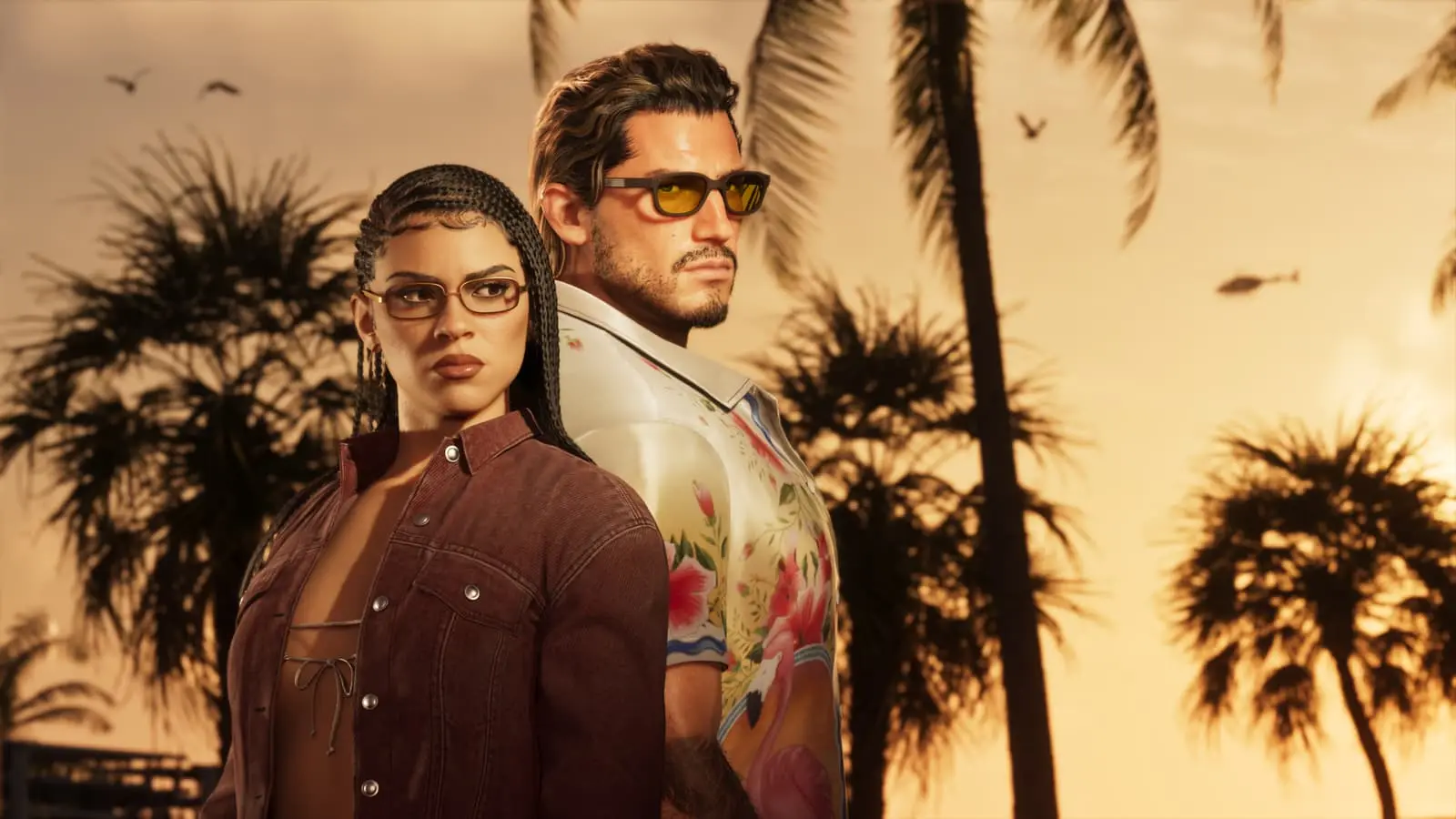
 Imagen: Rockstar Games
How does GTA 6 actually run on each console?
Respuesta rápida
GTA 6 holds its 30fps target better than any earlier GTA, with only minor dips on PS5 and Xbox Series X. PS5 Pro is near-flawless and Xbox Series S drops into the 20s. That is Digital Foundry's John Linneman, as reported by GamesRadar+.
Según medios: De periodistas o críticos identificados que han jugado al juego. No es una declaración oficialActualizado el 18 de noviembre de 20261 fuente
From GamesRadar+’s launch-day report on John Linneman’s Digital Foundry analysis; this site has not checked it in the game or read the Digital Foundry piece.
En esta página · 3 secciones
What frame rate does it run at?
30 frames per second on every console. See Does GTA 6 run at 60fps?.
Linneman calls it “the smoothest GTA game in history, at least at launch”. Earlier games ran worse on their original hardware. He says he is not convinced 60fps was possible for a game of this scope on this class of hardware.
How does it run on each console?
| Console | What Digital Foundry found |
|---|---|
| PS5 | Dips below 30fps at times, for example when you drive fast, but they are “very minor”. Cause chaos at a busy intersection with a grenade launcher and you can get a sustained drop. |
| Xbox Series X | Covered in a separate Digital Foundry analysis. GamesRadar+ groups it with the base PS5. |
| PS5 Pro | Linneman spent most of his time here. He calls it “the best way to play this game by far”, a “near-flawless 30fps” with perfect frame pacing. |
| Xbox Series S | Keeps most of the graphical features, but drops into the 20fps range during real action. |
Is cutscene judder fixed?
Yes, Linneman says. Cutscenes are consistent and fluid, unlike in older Rockstar games.
Fuentes
- GamesRadar+
Grand Theft Auto 6 is "the smoothest GTA game in history" despite 30fps, analysis finds
Sigue leyendo
¿Algo está mal o desactualizado? Avísanos · Cómo se elaboran las respuestas