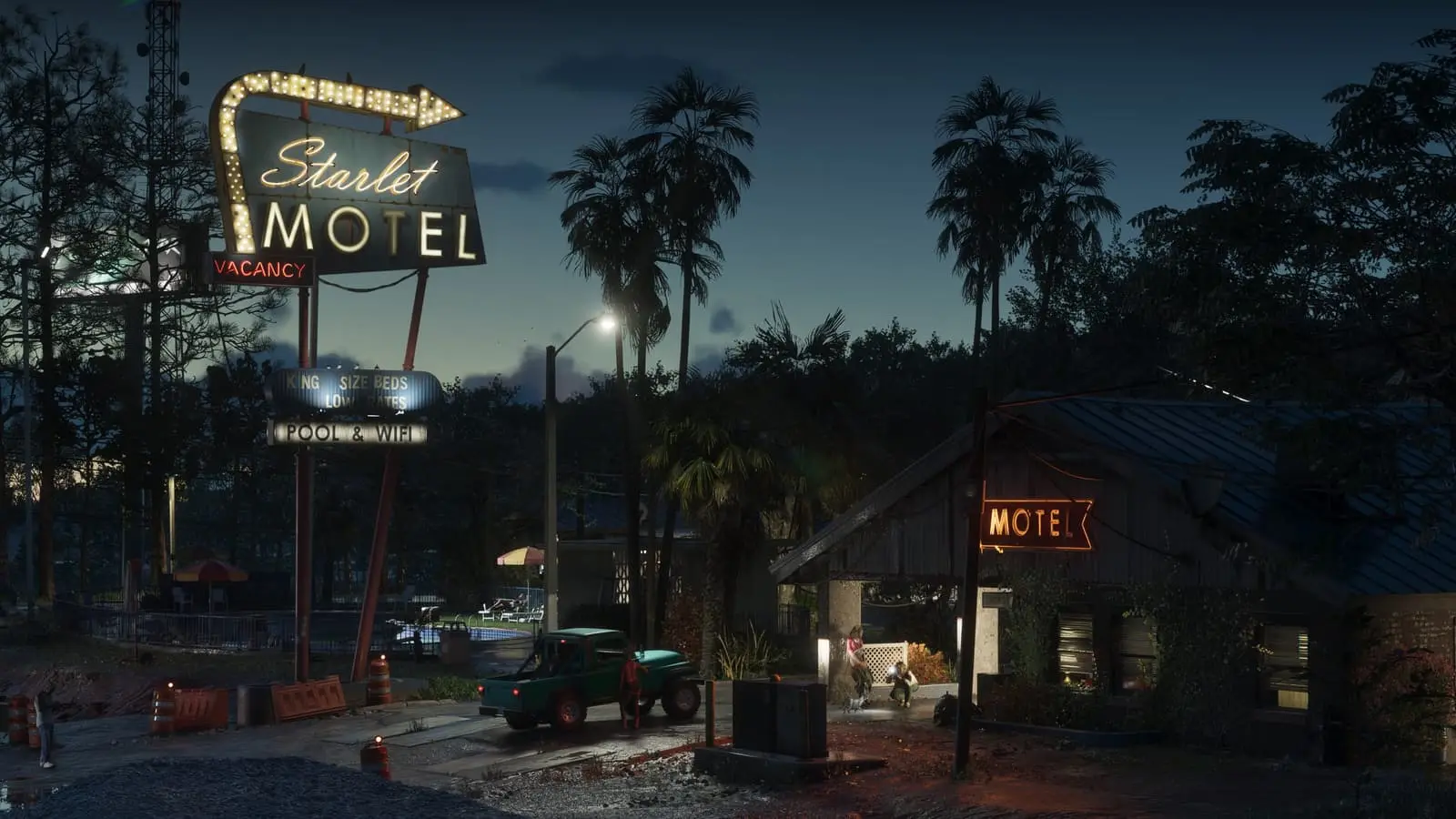
 Image : Rockstar Games
How do you auto-drive in GTA 6?
Réponse rapide
Get in a vehicle, set a waypoint, hold Down on the D-pad and open the cinematic menu. Then hold the auto drive prompt. It is not fast travel.
Rapporté : Provient de journalistes ou de testeurs identifiés qui ont joué au jeu. Il ne s'agit pas d'une déclaration officielleMis à jour le 23 novembre 20262 sources
From Eurogamer’s and GamesRadar+’s guides, written from playing the game; not checked by this site in the game.
Étape par étape
- 1Get in a vehicleUse any vehicle, your own or a stolen one.
- 2Set a waypointMark your destination on the map.
- 3Enter cinematic viewPress Down on the D-pad and select 'cinematic' in the camera options.
- 4Start auto-driveHold B once cinematic view is on.
What does auto-drive do?
Jason or Lucia keeps driving to a waypoint you have marked while you take a break.
Traffic accidents and other obstacles can still hold you up, Eurogamer warns. It is not always the fastest way from A to B.
How do you turn it on?
Eurogamer’s steps:
- Get inside a vehicle.
- Set a waypoint.
- Open the camera options with Down on the D-pad and select “cinematic”.
- Once cinematic view is on, hold B to start auto-drive.
The button names in the guide are Xbox’s. The guide does not list the PlayStation equivalent.
How do you control it?
LT/L2 and RT/R2 change the driving speed. Hold down on the D-pad to exit auto-drive.
What does GamesRadar+ add?
GamesRadar+ (read November 23, 2026) describes the same route and names the PlayStation and Xbox buttons. You need a destination marker set.
- Hold Down on the D-pad for the camera options.
- While still holding it, press Options (PS5) or Menu (Xbox) to open the CINEMATIC menu.
- An ENABLE AUTO DRIVE prompt appears in the bottom right corner. Hold that button.
The camera cycles through cinematic views. Move the view with the right stick and change it with R3/RS. The triggers choose between three driving speeds. Change the marker on the map and you get rerouted.
Is it fast travel?
No, GamesRadar+ stresses. Your character obeys the road rules and spends time in traffic, so it suits sightseeing, footage and screenshots.
The writer also had another driver hit the car and attack it with a wrench during auto drive.
What should you avoid?
Use your own vehicle, lose the police first and avoid areas where you have Heat, Eurogamer recommends. Otherwise you risk being spotted while auto-drive is running.
Where can you read more?
Sources
- Eurogamer
How to auto-drive in GTA 6
- GamesRadar+
How to use auto drive in GTA 6 to cruise around Leonida
À lire aussi
Une erreur ou une info dépassée ? Dites-le-nous · Comment les réponses sont rédigées