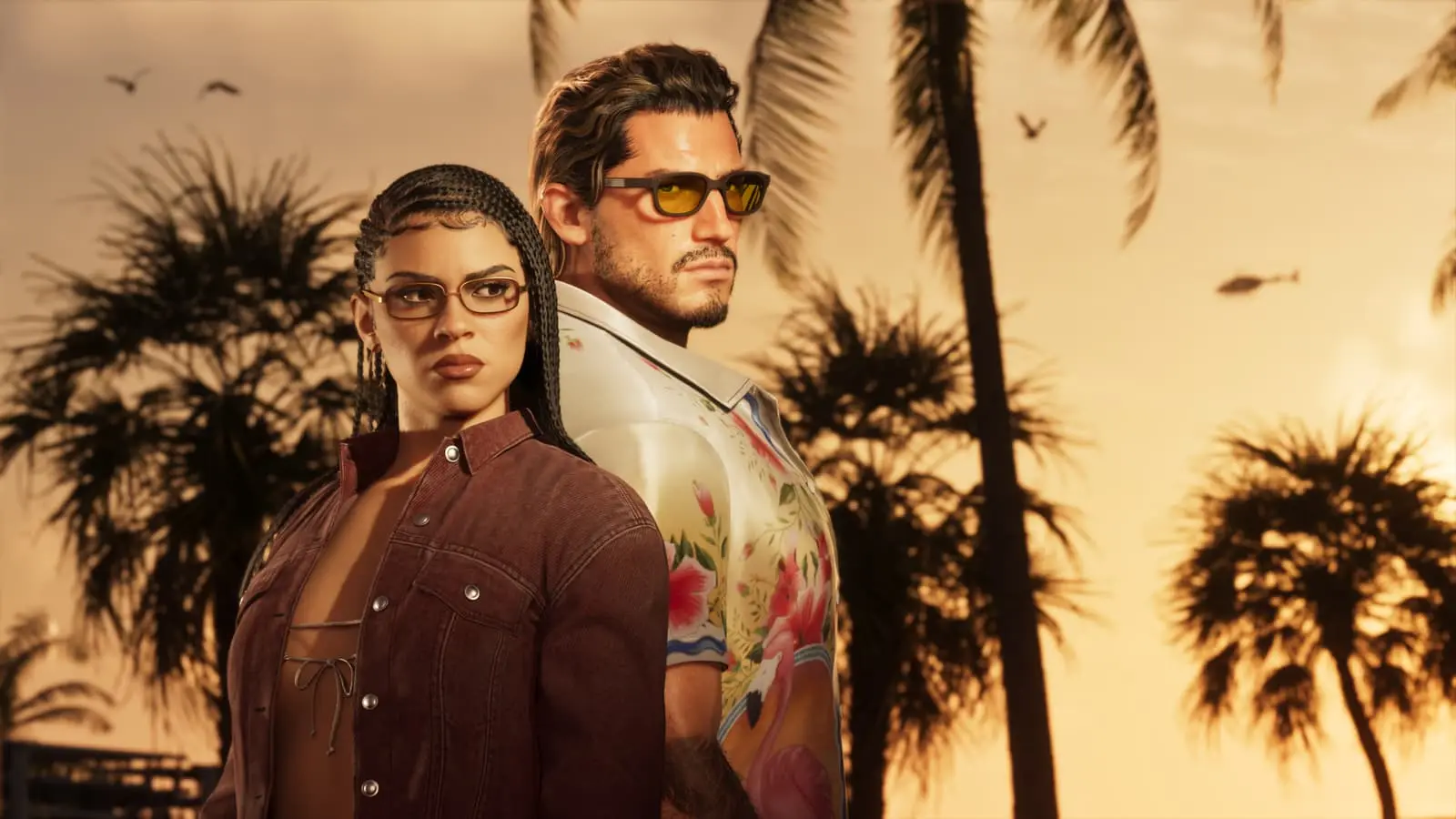
 画像:Rockstar Games
Why does GTA 6 keep crashing on PS5 with a CE error code?
結論
No fix has worked for everyone yet. GamesRadar+ and Eurogamer report PS5 players crashing in GTA 6 with error CE-108255-1. Sony's page says to update the game, and there is no update yet. This is a press report, not an official statement.
報告あり:実際にプレイした記者やレビュアーが実名で伝えた情報です。公式発表ではありません2026年11月22日更新出典2件
From press reports by GamesRadar+ and Eurogamer that rely on player posts; not checked by this site in the game.
What is happening?
GamesRadar+ reported that many Reddit users on PS5 describe crashes mid-game with a CE error code. The crash is said to repeat after certain story moments early in the game, so some players cannot get past them. The writer found more than a dozen such posts and says it affects base, digital and Slim PS5 models.
The article gives the code two ways: CE-108255-1 in its title and web address, and CE-108225-1 in its text. Check the code on your own screen. This site has not seen the crash in the game.
Does anything fix it?
Not so far, GamesRadar+ says. Players report trying all of these without success: clearing the cache, rebuilding the database, reinstalling, updating and restoring licenses.
Rockstar’s error troubleshooting page points to the PlayStation and Xbox support pages, the article says. For this code it quotes Sony’s advice as “Try updating your game”, and otherwise to visit PlayStation Repairs. GamesRadar+ notes there was no GTA 6 update to download yet. One player is reported to have been quoted £300 by Sony’s repair service.
What does Eurogamer add?
Eurogamer, writing on November 21, 2026, gives the code as CE-108255-1. Players it quotes say the game crashes:
- after about 40 minutes,
- during the early mission Pipework, or
- within seconds of the opening prologue on PS5 Pro.
Some Xbox Series X players report crashes too. Rockstar had not acknowledged the crashes or said whether a patch is coming, Eurogamer says.
PlayStation’s page describes the code as “an error occurred with the game/application”. Its advice is to “try updating your game”: press Options on the game, then Check for Update.
Eurogamer’s other suggestions come from Sony’s general crash advice:
- Update the system software.
- Check the game fully installed.
- Restore licenses: Settings > Users and Accounts > Other > Restore Licenses.
- Clear the cache and rebuild the database from Safe Mode.
- Reinstall. If the game is on an external drive, move it to internal storage.
Eurogamer says there is no firm fix yet.
How widespread is it?
GamesRadar+ says a handful of error reports on social media does not necessarily mean a widespread problem. Its writer had no crashes in several hours of play. It had asked Sony for comment.
What can you try meanwhile?
The generic PlayStation steps are in GTA 6 will not download or is stuck: update the system software, restore licenses, and Clear Cache and Rebuild Database in Safe Mode. They are the same steps the players above say did not work for this crash. Try them, but don’t count on a fix.
この回答に関連するミッション
出典
- Eurogamer
GTA 6 is crashing on some PS5s with error CE-108255-1 - here's what you can try
- GamesRadar+
PS5 error CE-108255-1 is ruining GTA 6 for some players, and Rockstar and Sony aren't very helpful