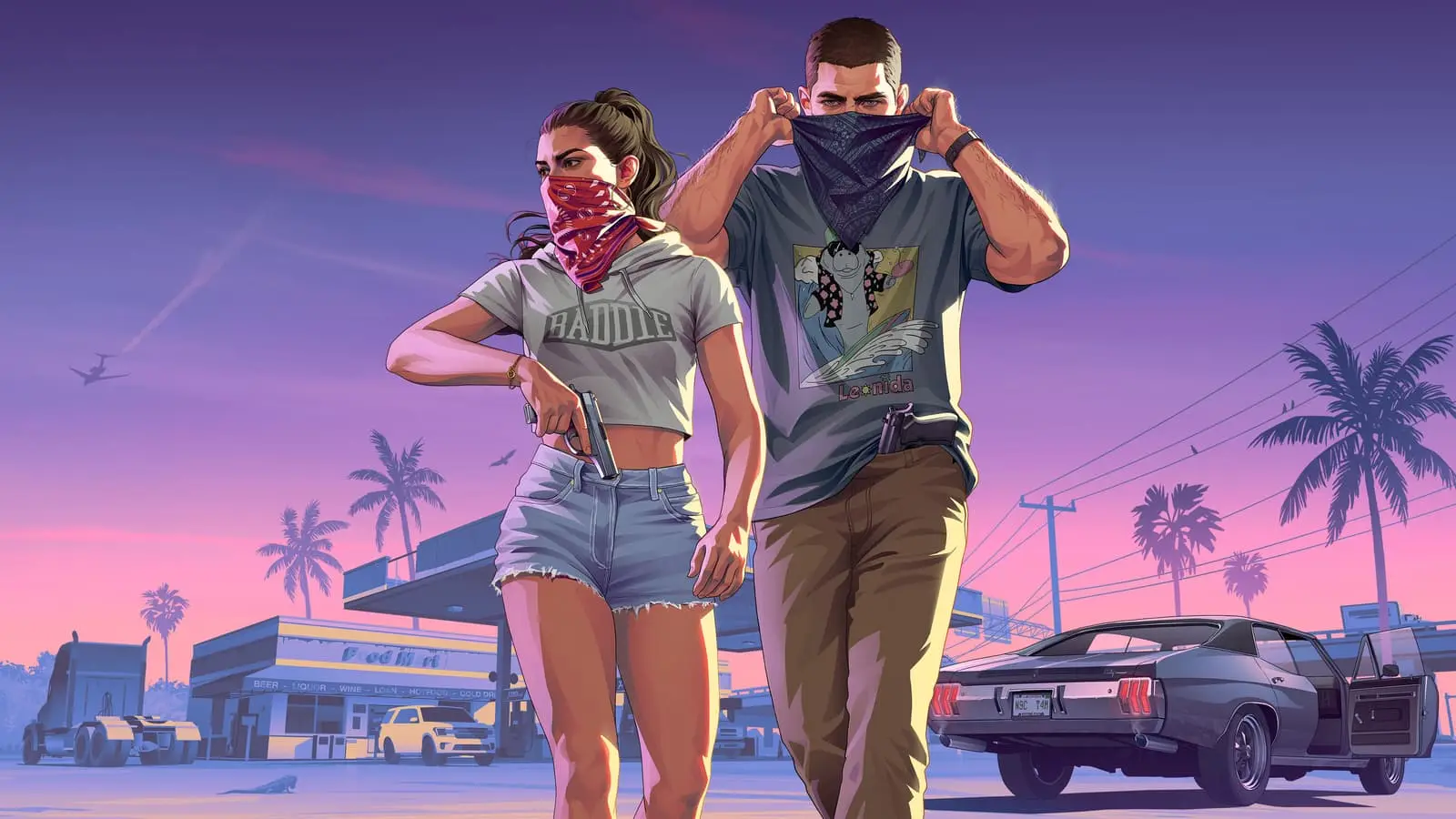
 이미지: Rockstar Games
Can you pre-load GTA 6?
간단한 답변
Not anymore. Pre-load opened on November 10, 2026, for digital pre-orders on PS5 and Xbox Series X|S, and the game came out on November 19. If you own it, download and play it as normal. Rockstar said the file needs up to 212 GB.
확인됨: Rockstar, Take-Two, Sony 또는 Microsoft가 밝힌 내용입니다2026년 11월 20일 업데이트출처 4개
Grand Theft Auto VI launched on November 19, 2026, so pre-load has ended. Xbox Wire’s “Out Now” post carries that date.
Pre-load opened on November 10, 2026: at midnight local time on PS5, and at 12am GMT worldwide on Xbox Series X|S. The steps below stay as a record, and they still describe how to download the game.
How do you pre-load or download it?
PS5
- Buy or pre-order the game on PlayStation Store.
- Find it in your Game Library and choose Download.
- To have it download by itself, turn on automatic downloads and leave the console on or in Rest Mode.
Xbox Series X|S
- Buy or pre-order the game on the Microsoft Store.
- Open My games & apps, then Full library, and choose Install.
- To have it download by itself, turn on automatic updates and leave the console on or in Sleep mode.
Boxed copy
Redeem the code from the box on your console’s store. Rockstar says codes can be used as soon as you receive them. The game then appears in your library and downloads the same way.
What should you check?
- Make sure the download has finished and is not paused.
- Install any pending updates.
- If the download is still running, leave the console in Rest Mode or Sleep mode with automatic updates on.
What if the pre-load fails?
Rockstar points you to the platform holders: PlayStation’s guide to troubleshooting downloaded games, and Xbox’s guide to game installation problems.
출처
- Xbox Wire
Grand Theft Auto VI is Out Now
- Rockstar Games Support
Grand Theft Auto VI pre-load FAQ
- Rockstar Newswire
Pre-load Grand Theft Auto VI now
- Rockstar Newswire
Grand Theft Auto VI pre-load begins on November 10