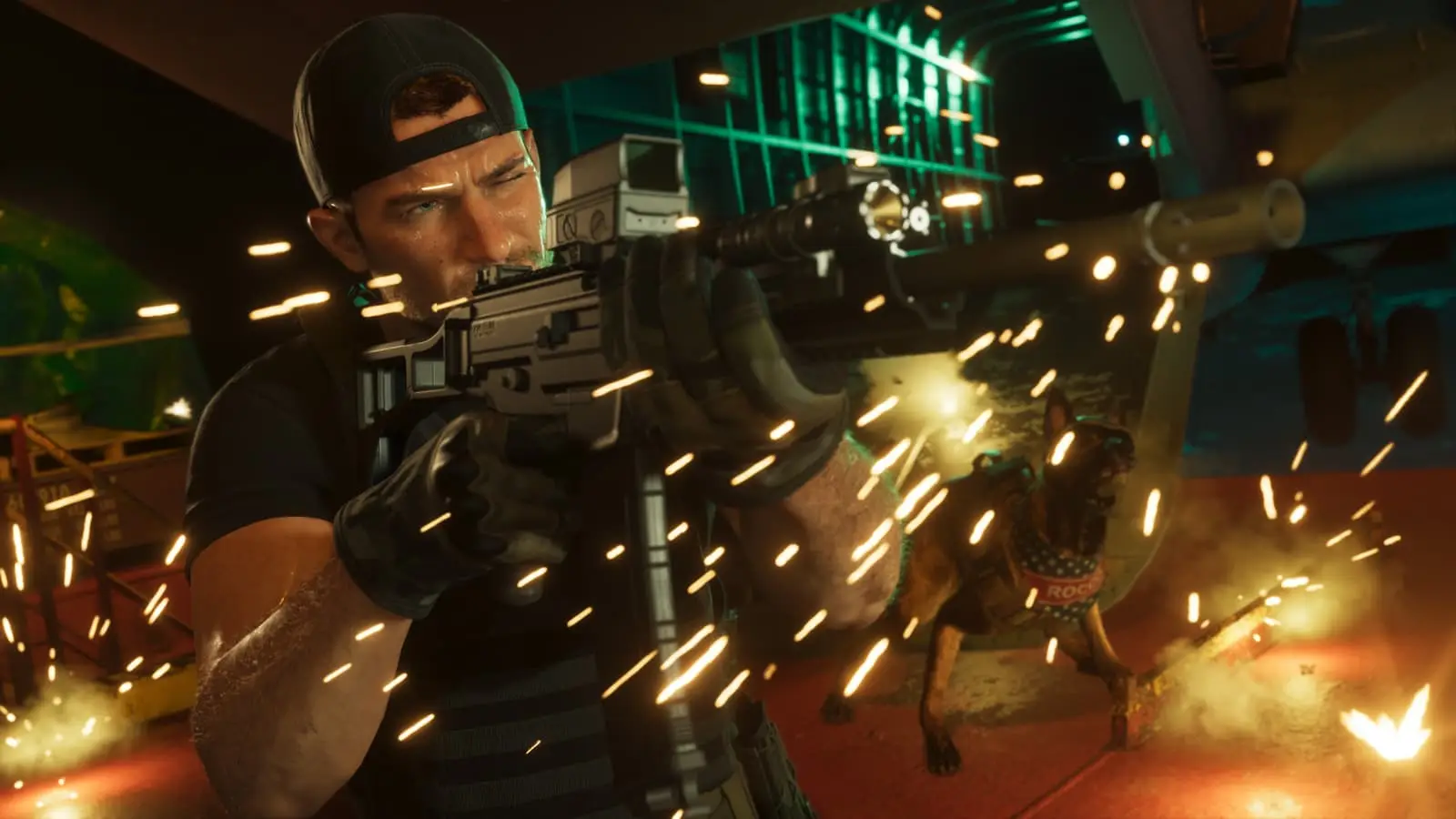
 이미지: Rockstar Games
How do you claim the Duval Signature ES9 in GTA 6?
간단한 답변
Use the weapon locker in a gun store: highlight Jason's Girardi ES9, open its Variants option and select the Duval Signature ES9. It is an Ultimate Edition bonus, a Military Pistol, and available early in the story.
보도됨: 게임을 플레이한 기자나 리뷰어가 실명으로 전한 내용입니다. 공식 발표는 아닙니다2026년 11월 21일 업데이트출처 1개
From Eurogamer’s guide, written from playing the game; not checked by this site in the game.
단계별 설명
- 1Enter a gun storeGo into an Ammu-Nation style gun store; Eurogamer used Chuck's Tackle & Shot.
- 2Open the weapon lockerInteract with the weapon locker and highlight Jason's Girardi ES9.
- 3Open VariantsUse the command shown next to "Variants" in the lower right corner of the screen.
- 4Equip itSelect the Duval Signature ES9 to put it on Jason's gun.
What is the Duval Signature ES9?
A variant of Jason’s personal weapon and one of the bonuses of the Ultimate Edition. Standard Edition owners don’t get it.
It is a Military Pistol, with what Eurogamer calls a decent Handling stat, especially early in the game. You can pick it up very early in the story.
How do you get it?
Claim it from the weapon locker inside a gun store. Eurogamer names Ammu-Nation and went into Chuck’s Tackle and Shot.
- Open the weapon locker and highlight Jason’s Giradi ES9. The guide spells it that way; this site’s weapons list uses Girardi.
- Look for “Variants” in the lower right corner and use the command beside it.
- Pick the Duval Signature ES9.
For the other bonuses and when they unlock, see how to find the Ultimate Edition items.
출처
- Eurogamer
How to claim the Duval Signature ES9 gun in GTA 6