Rideout Customs
Rideout Customs is an Ultimate Edition mod shop in Crosstown, Vice City, for donk-style builds: custom interiors, rims and stylings. Outlets disagree on when it opens. GamesRadar+ says Chapter 1; Eurogamer says after the Chapter 2 mission Moses.
Relatado · Atualizado em 24 de novembro de 2026 · 5 fontesFrom Rockstar’s Ultimate Edition page and IGN’s, GamesRadar+’s and Eurogamer’s guides. GamesRadar+ and Eurogamer disagree on when it opens.
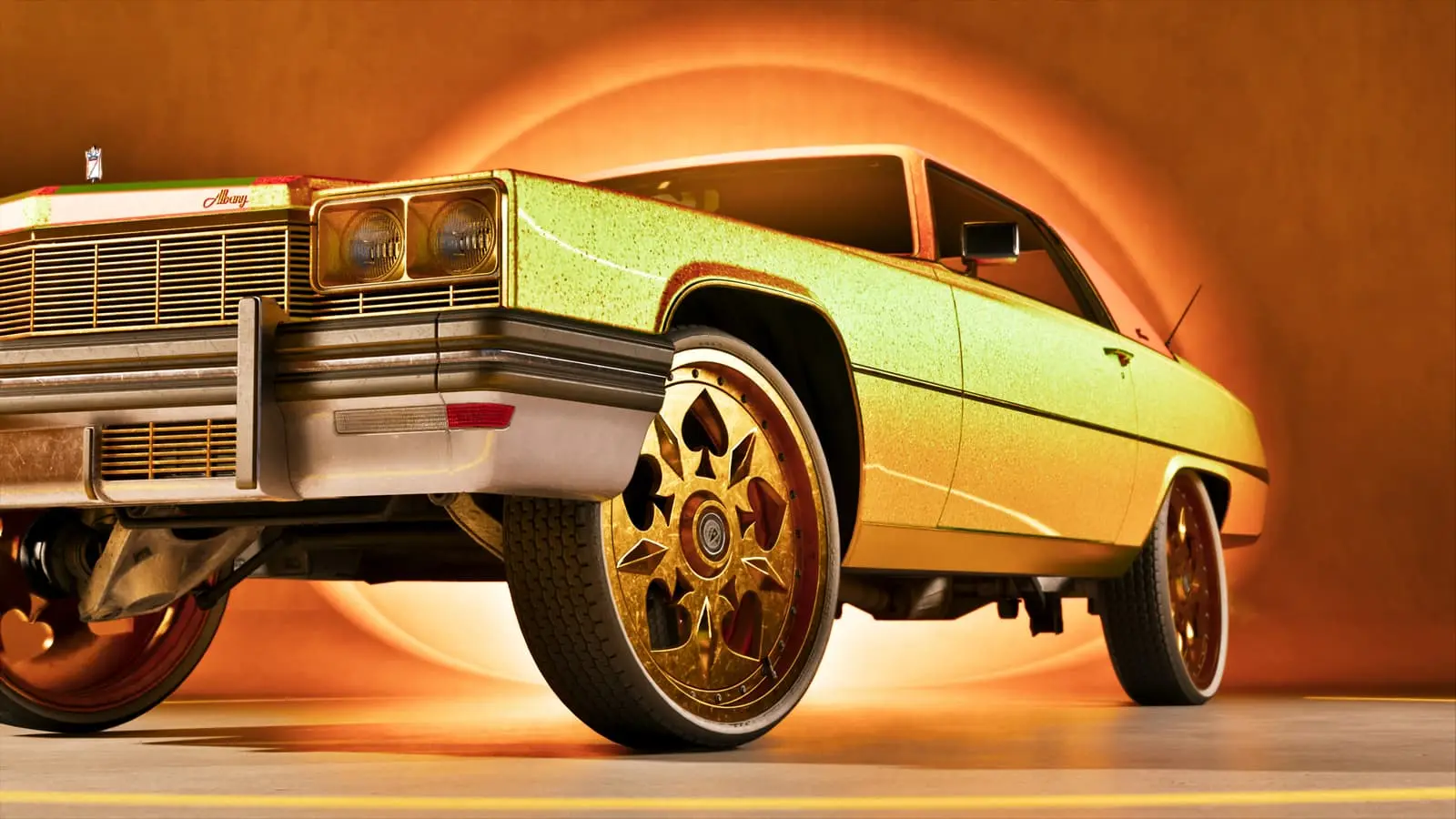 Imagem: Rockstar Games
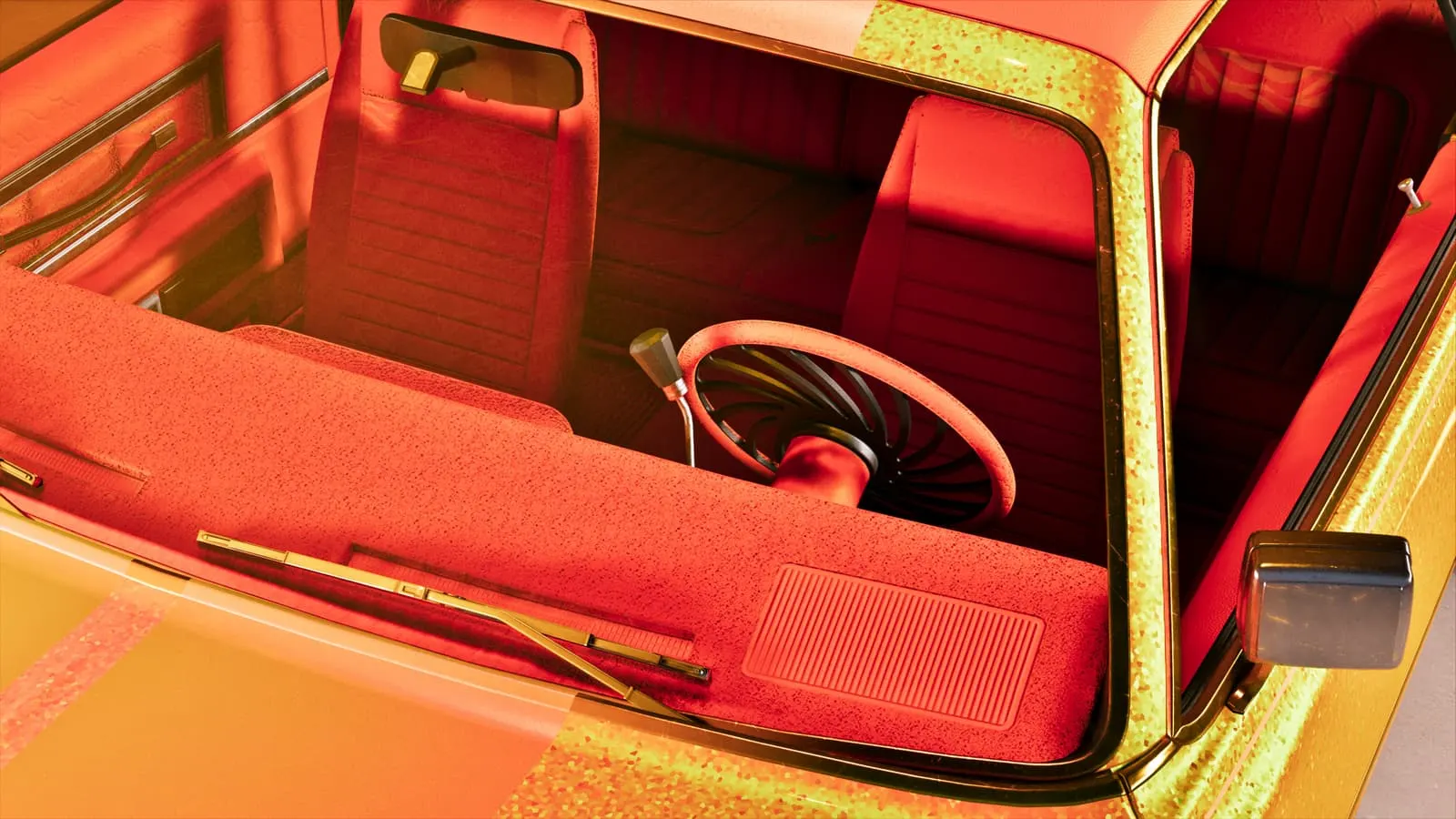
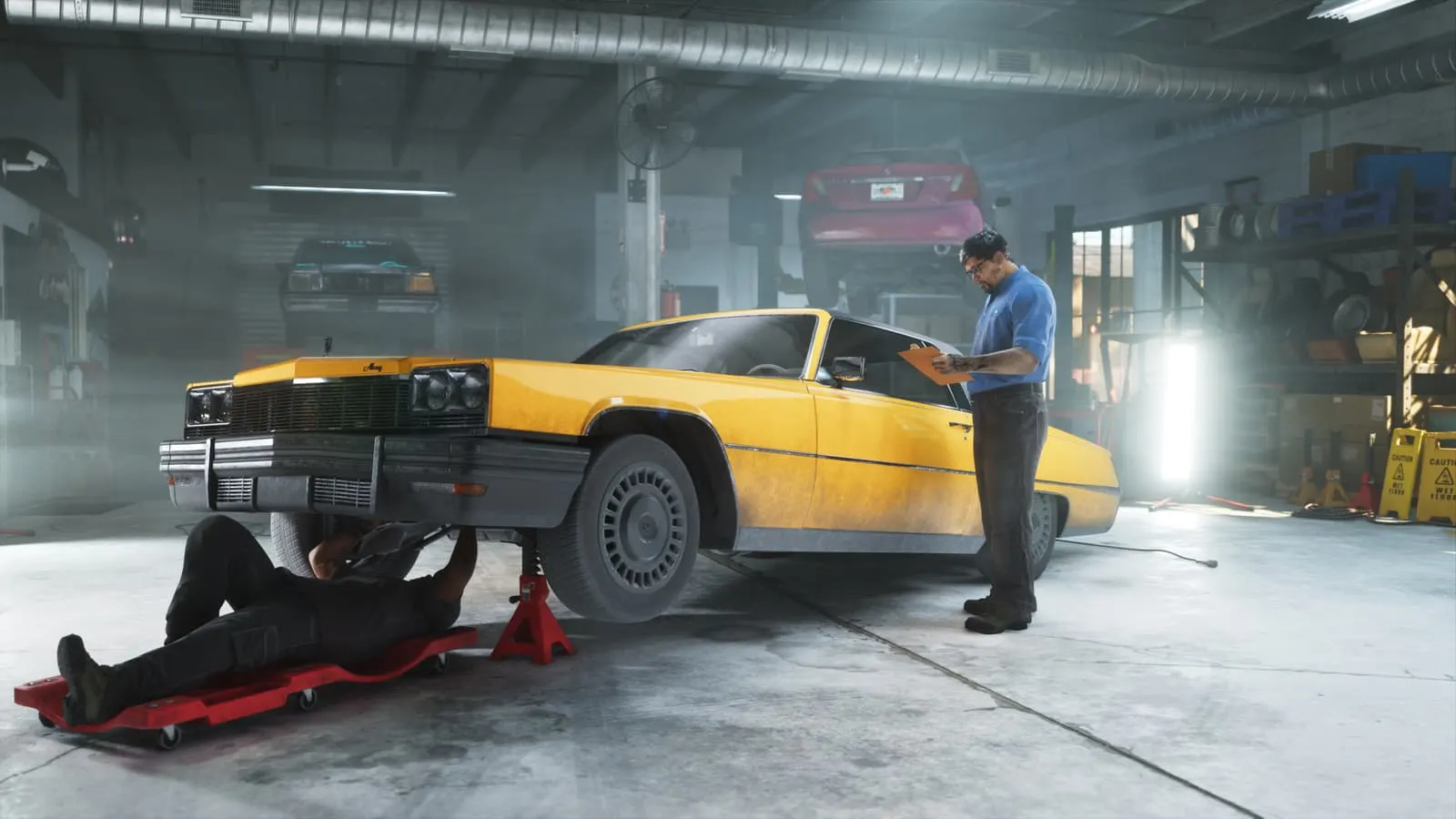
Rideout Customs is a mod shop that comes with the GTA 6 Ultimate Edition. It’s where you turn ordinary cars into showpieces, with detailed interiors, fancy rims and donk stylings. One promo image shows a mechanic working underneath a car inside the shop.
IGN spotted it among the shops seen in trailers and confirmed it as an Ultimate Edition exclusive.
Where is it?
In the Crosstown district of Vice City, which is also home to the Jack of Hearts strip club. It shows on the map with a gold icon. To set a route, open the map Index, go to Vehicles and pick the Mod Shops tab.
When does it unlock?
| Outlet | When it opens |
|---|---|
| GamesRadar+ | Chapter 1 |
| Eurogamer | After the Chapter 2 main mission Moses |
What can you change there?
Mod shops repair cars and have a Cosmetics tab (R1/RB) with paint colors, finishes, liveries, decals and plates. Press Right on the D-pad to switch paint types.
Each shop has its own specialty. In the Index list, a blue wrench next to a shop means it specializes in the vehicle type you’re driving and has exclusive parts for it. Rideout’s exclusives are for vehicles in the Donks classes.
Galeria · 2 imagens oficiais
Imagens: Rockstar Games
Respostas sobre Rideout Customs
Fontes
- Rockstar Games
Grand Theft Auto VI: Only in Leonida
- IGN
GTA 6 Leonida Locations
- GamesRadar+
How to unlock GTA 6 Ultimate Edition Content and all locations
- Eurogamer
GTA 6 Ultimate Edition unlocks
- GamesRadar+
How to respray cars in GTA 6
Relatado: Vem de jornalistas ou críticos identificados que jogaram o jogo. Não é uma declaração oficial. Traduzido da página em inglês. Como as entradas são feitas