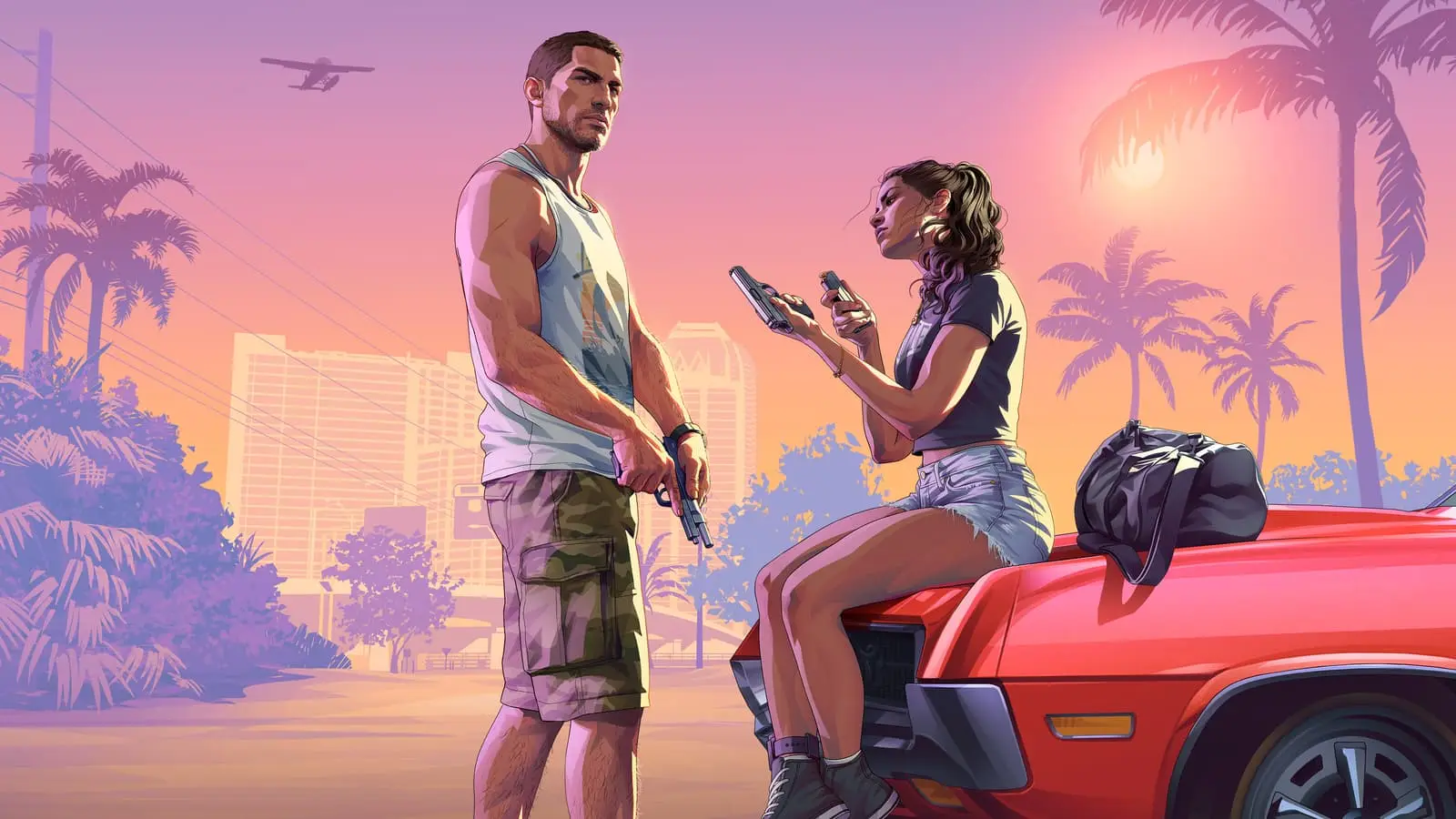
 Image: Rockstar Games
Is there a GTA 6 patch, and how big is it?
Quick answer
Yes. Rockstar released the first post-launch update, version 01.002.002, on November 23. It is 603.8MB on PS5 and 1.6GB on Xbox Series X|S, Eurogamer says. Its seven fixes cover crashes, autosave, story phone calls that never came, partners not handing over bags for fences, a stuck Wanted Level, the weather and the gym.
Reported: From named reporters or reviewers who played the game. Not an official statementUpdated November 26, 20265 sources
From IGN’s, GamesRadar+’s, Push Square’s and Eurogamer’s reports, not from Rockstar; this site has not read the patch notes at Rockstar’s site.
What does the first patch fix?
Seven things. IGN, GamesRadar+, Eurogamer and Push Square each print the same seven notes, which GamesRadar+ says are the full notes on Rockstar’s support site:
- Several issues that crashed the game.
- The weather not changing for long periods.
- The game not autosaving correctly.
- Phone calls not triggering correctly, “including those that progressed the story or unlocked mission content”.
- The player being unable to lose their Wanted Level.
- The player being unable to use the deadlift bar in the Gym.
- Partners not handing over bags “so that players could sell them to fences”.
Does it fix a story that would not move on?
It should, if you were waiting on a phone call. The notes name calls that progress the story or unlock mission content, and GamesRadar+ says an affected player should be able to carry on through the main story once the patch is installed.
Not every missing call is a bug. Many calls only come after you pass time doing other things, GamesRadar+ says, such as the one from Halifax in Dubious Provenance in Chapter 3.
Two other fixes clear things that stopped you earning or escaping: partners now hand over the bags you sell to fences, and a Wanted Level that would not go away can be lost again. The notes do not say whether a save that was already stuck needs anything more than the update.
With autosave fixed, a manual save is still the safe habit: see how to save.
What does it leave alone?
The notes do not mention the glitch that can force a first-person view, or the Xbox glitch that runs the game at 60fps, GamesRadar+ points out. It gives the version as 01.002.002 or 1.0.2.2, depending on the platform.
How big is it and what version is it?
| Console | Download size |
|---|---|
| PS5 | 603.8MB |
| Xbox Series X|S | 1.6GB |
Both sizes are Eurogamer’s; no other outlet read here gives one. Eurogamer, IGN and Push Square give the version as 01.002.002. Eurogamer counts seven fixes in the notes, which it says Rockstar published on its website.
Does it fix the screen vignette?
No, Eurogamer says. Many players complain about the vignette effect, which Eurogamer says is stronger when a character is fatigued or hungry. Rockstar had not responded on it when the article was written.
Eurogamer also reports streamers losing hours of progress to autosave problems. Among them, JasonTheWeen lost 12 hours on PS5.
Is the patch released in stages?
None of the four outlets says so, and none gives a rollout schedule. GamesRadar+ and Eurogamer report the update as out on both PS5 and Xbox Series X|S. An earlier version of this page described a release in waves, a double-speed glitch on Xbox and a PS5 error code; none of that is on the pages it cites, and it has been removed.
For a PS5 error this site covers, see the CE-108255-1 answer.
Sources
- IGN
GTA 6 01.002.002 Patch Notes: November 23, 2026
- GamesRadar+
GTA 6 first update patch notes
- GamesRadar+
GTA 6 update gives players losing progress to crashes a lifeline
- Eurogamer
GTA 6 just got a patch that fixed a progression bug on PS5 and Xbox Series X/S
- Push Square
GTA 6: Patch Notes - All Updates & Fixes
Keep reading
Something wrong or out of date? Tell us · How answers are made