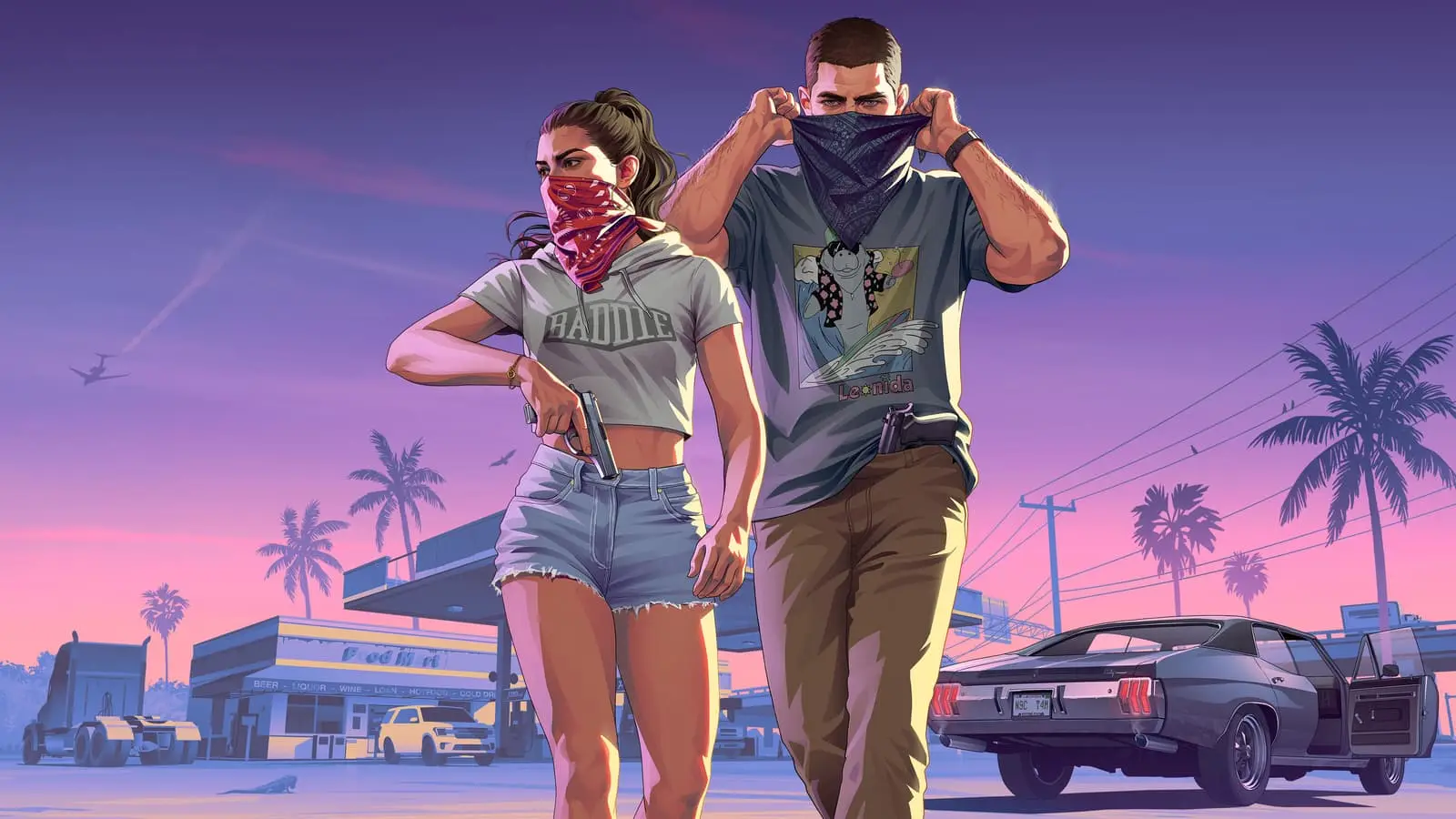
 Görsel: Rockstar Games
Does GTA 6 have online multiplayer?
Kısa yanıt
No. GTA 6 came out on November 19 as a single-player experience, as the official store listing says. Push Square says Rockstar has not yet spoken about an online mode, and no date has been announced.
Onaylandı: Rockstar, Take-Two, Sony veya Microsoft tarafından açıklandıGüncellendi: 20 Kasım 20263 kaynak
The Microsoft Store listing, written by Rockstar, says: “Grand Theft Auto VI is a single-player experience.” It lists one capability for the game: single player.
When does GTA 6 Online come out?
There is no official date. Push Square’s guide, read on November 20, says Rockstar “has not yet spoken” about online multiplayer for GTA 6.
Push Square says online will “very likely” arrive sometime in 2027, and that some people expect it with the PC version. That is an expectation, not an announcement.
What does history suggest?
| Game | Story release | Online mode |
|---|---|---|
| GTA V | September 17, 2013 | GTA Online, two weeks later |
| Red Dead Redemption 2 | October 26, 2018 | Red Dead Online beta, one month later |
Rockstar’s last two games both launched story first and added online afterward.
Do you need PlayStation Plus or Game Pass to play?
Not for the story. A single-player game does not need an online subscription. Push Square also says the game has no local multiplayer or co-op.
Is GTA Online still running?
Yes. GTA Online, the multiplayer attached to GTA V, is still running. Rockstar has not said whether characters or progress will carry over to anything new.
Kaynaklar
- Microsoft Store
Buy Grand Theft Auto VI
- Xbox Wire
Grand Theft Auto VI comes to Xbox One and Xbox Series X|S through Xbox Cloud Gaming on November 19
- Push Square
PSA: GTA 6 does not have online multiplayer at launch
Okumaya devam et
Yanlış veya güncel olmayan bir şey mi var? Bize bildir · Yanıtlar nasıl hazırlanıyor