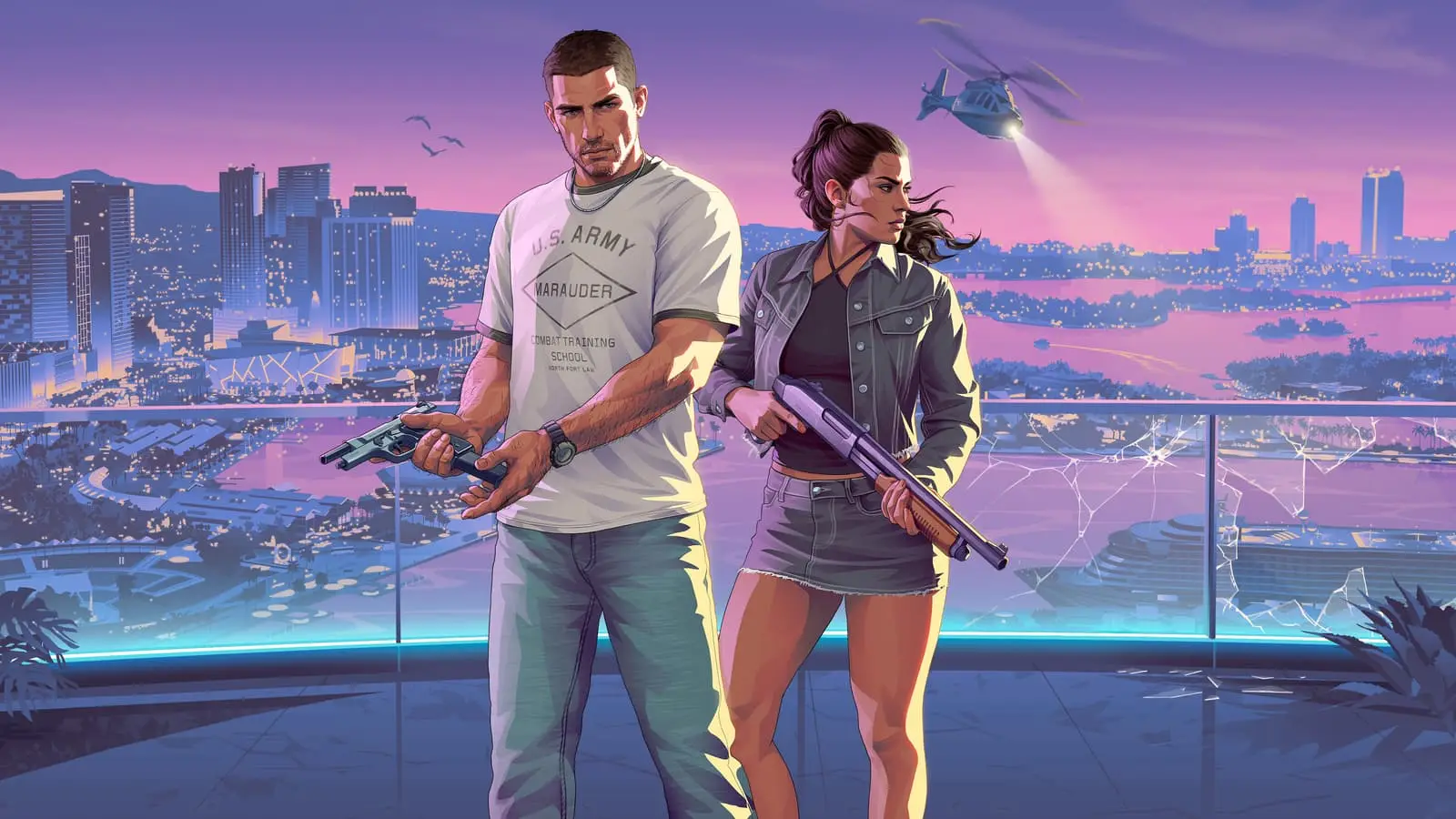
 圖片:Rockstar Games
Can you get a refund on a GTA 6 pre-order?
快速解答
Only in narrow cases now that the game is out. On PlayStation you must ask within 14 days of purchase and not have downloaded the main game. Microsoft's pages cover cancelling a pre-order before release and give no rule for after it.
已確認:Rockstar、Take-Two、Sony 或 Microsoft 的官方說法更新於 2026年11月21日3 個來源
How do refunds work on PlayStation?
GTA 6 came out on November 19, 2026. PlayStation’s refund page sets two conditions for a pre-order:
- You ask before the release date. Once it has passed, the page says you must ask within 14 days from purchase.
- You have not downloaded the main part of the content.
The page does not mention pre-loading by name. But pre-loading is a download of the game. If you pre-loaded, do not assume a refund is available; ask PlayStation Support before you rely on it.
To ask for one:
- Open your order details.
- Choose the transaction.
- Select Request Refund.
PlayStation says refunds go back to the original payment method where possible and can take time to arrive.
What about Xbox and the Microsoft Store?
Microsoft’s support pages say a pre-order cancelled after you were billed, but before release, is handled as a refund. You did that from your order history. If the Cancel item option was missing because you had been billed, Microsoft pointed you to the Xbox refund webform.
The cited pages do not say what applies once a game is released. For a purchase already billed, Microsoft points to its returns and refund pages. Check those or ask Microsoft Support.
Can you return a boxed copy?
That is up to the shop you bought it from. Once the code in the box has been redeemed, most shops will not take it back.
What happens to the pre-order bonus?
It goes with the order. PlayStation notes that bonus content you could use straight away “stops working if you cancel your pre-order”.
資料來源
- PlayStation Support
PlayStation Store refund request
- Microsoft Support
Pre-orders for Microsoft Store
- Microsoft Support
Cancel an order or pre-order from Microsoft Store